Oldskool Security

You don't need an integrated SaaS to do a GRC self-assessment, and you don't need a global deployment to handle an incident. Back in the day we did it all in bound ledgers, by hand, in ink. But those days sucked and nobody appreciates materially-OOB deliverables, so I made these apps to let me do pretty much the same things inside client environments without introducing… anything.

The Suite

Lightweight. Portable. Transparent. Offline.

Each app is a container for your JSON-formatted data, running offline in browser memory, capable of ephemeral, localStorage, and indexedDB storage. No footprint, no elevations, no dependencies, and no network traffic. Suitable for operating entirely within permissionless and air-gapped networks with managed browsers.

01 Comply 763 KB

PumaGRC2

Multi-framework compliance self-assessment

Maturity scoring across multiple frameworks. Record maturity, priority, evidence and plans to visualize heatmaps and crossmappings against NIST CSF.

  • 16 Cyber, federal, privacy, and response frameworks
  • Heatmap and Crossmap views for visualization
  • Exports to PumaRisk registers and other standard formats
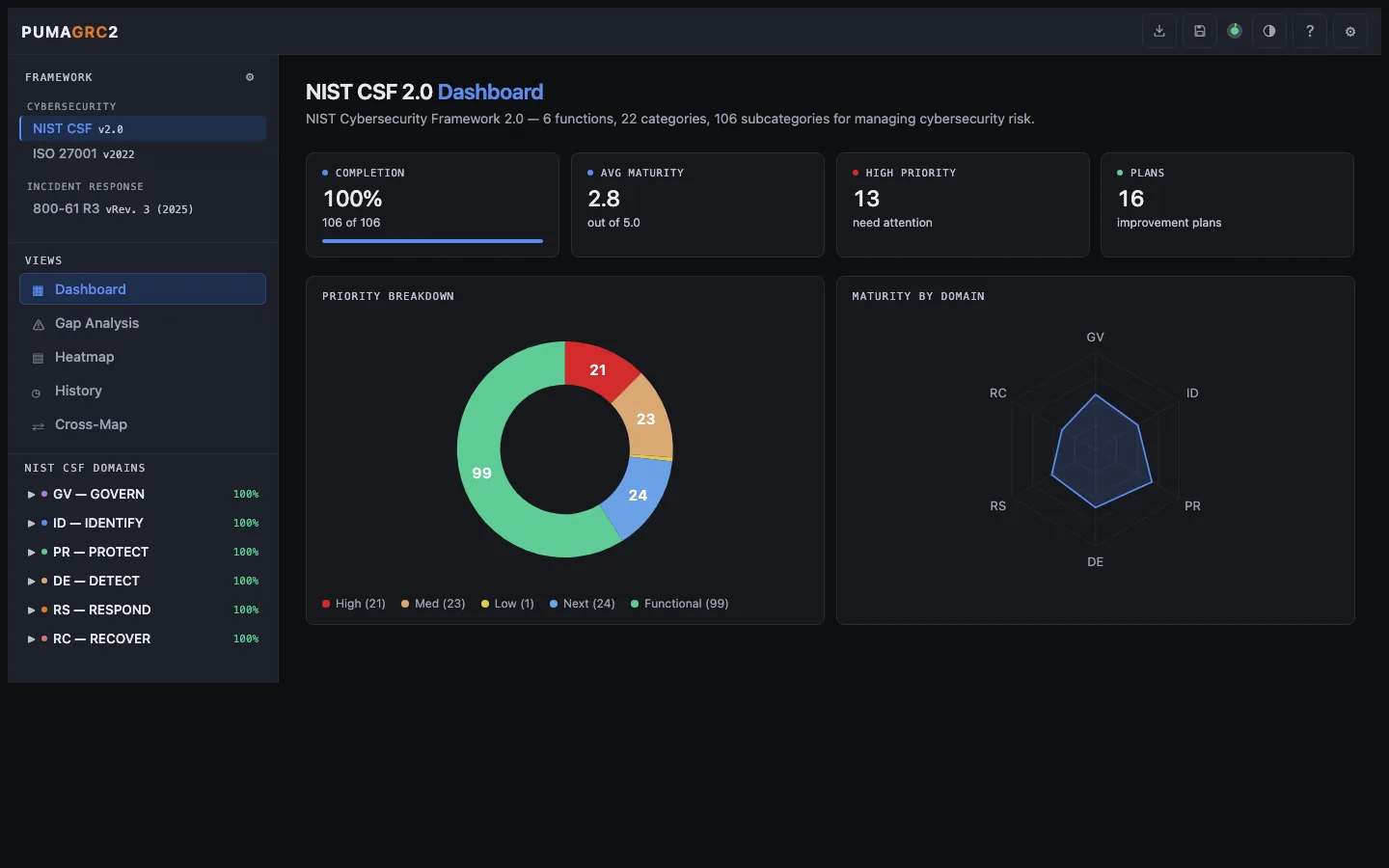
pumagrc2.greykit.com
PumaGRC2 screenshot

02 Assess 382 KB

PumaRisk

Quantitative risk register

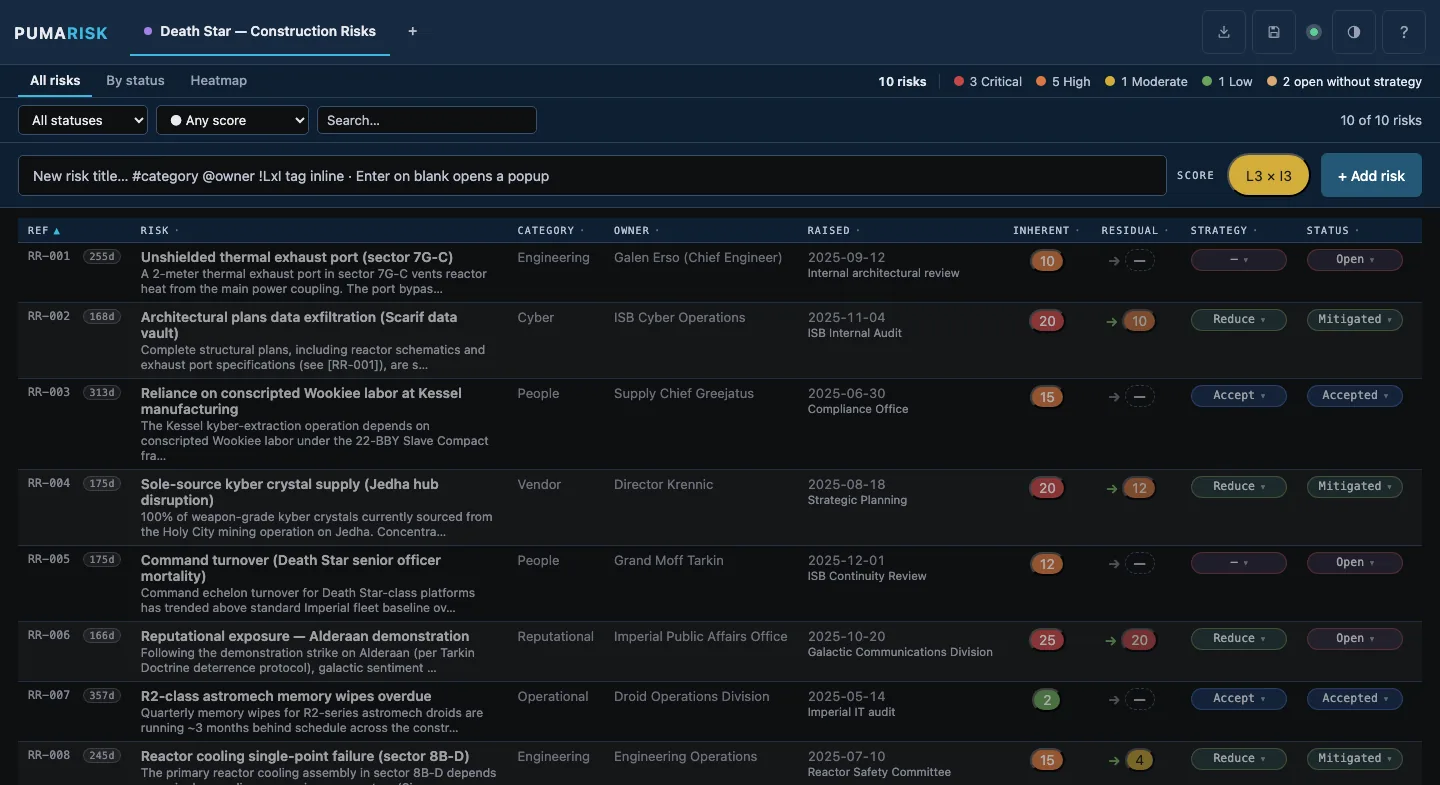
A board-ready risk register with inherent and residual scoring on a 5×5 likelihood × impact matrix. Track exposure, treatment plans, and response strategy across multiple workspaces.

  • Inherent → residual scoring with response strategy and status lifecycle
  • List, By-status, and 5×5 Heatmap views with risk-pulse summary
  • Exports to CSV, JSON, Markdown, RTF executive summary, or heatmap PNG
pumarisk.greykit.com
PumaRisk screenshot

03 Respond 420 KB

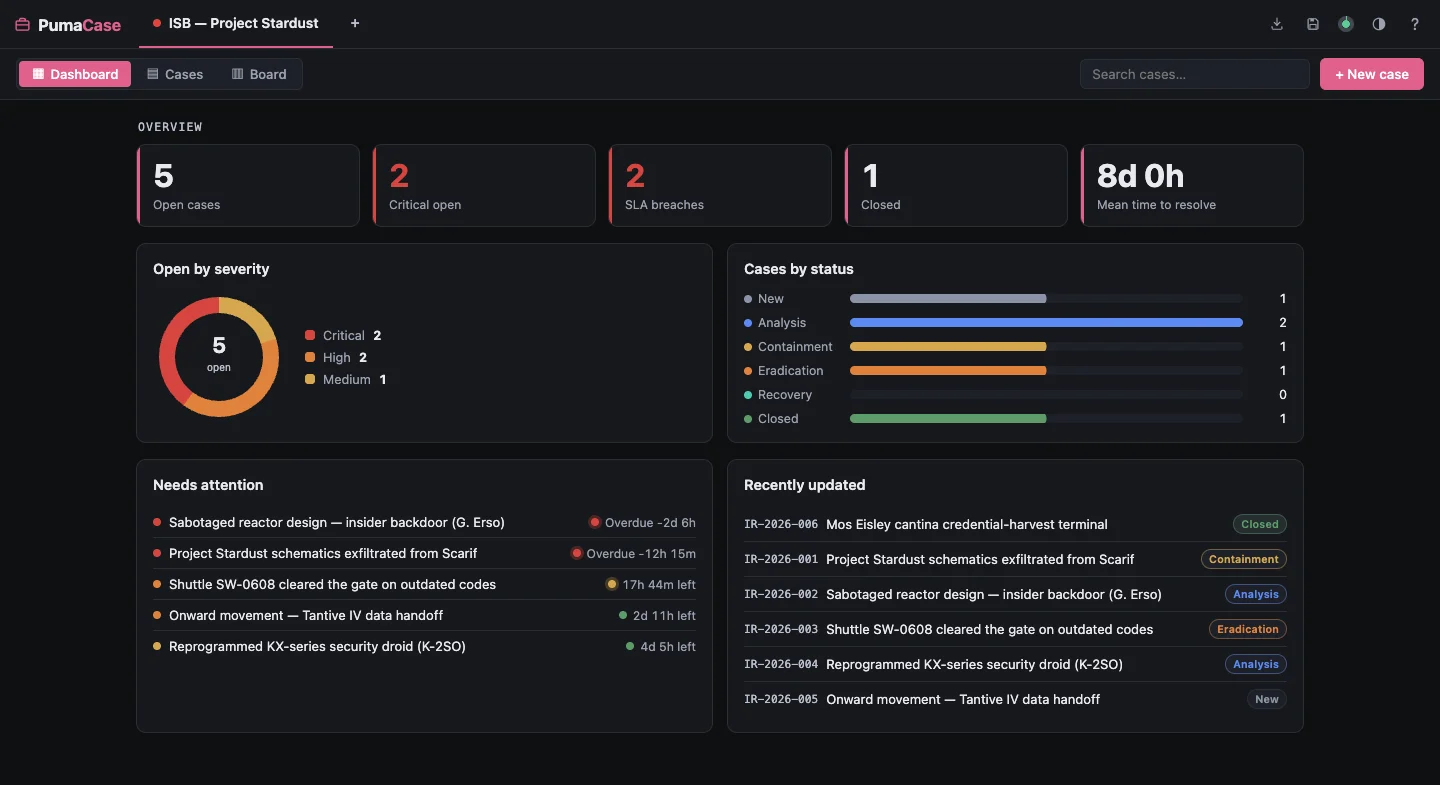
PumaCase

Incident-response case management

Portable, single-user DFIR-lite Case Management in your browser. Built for NIST 800-61 / TLP 2.0.

  • Track cases across phases without deploying a tool.
  • Define playbooks, default tasks, and SLAs based on categories.
  • Evidence chain of custody tracking and auto-hashing.
pumacase.greykit.com
PumaCase screenshot

04 Record 444 KB

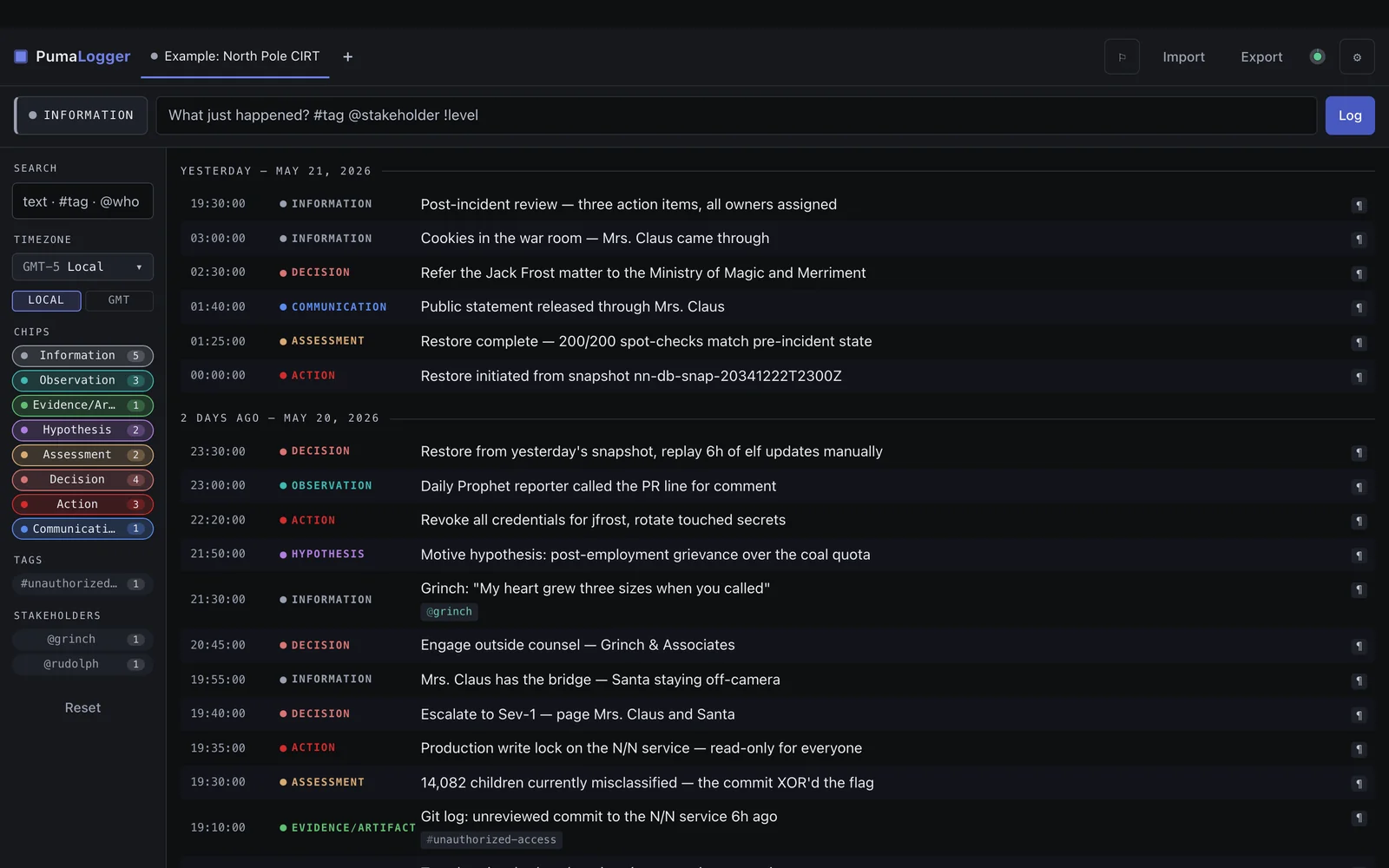
PumaLogger

Timestamped event log & timeline assembler

A timestamped event logger. Capture events as they happen, or recreate a master timeline from logs with global timestamps for incident response and after-action reporting.

  • Multi-timezone timeline assembly from imported logs
  • Quick-tag and category filtering across events
  • Markdown export shaped for incident reports
pumalogger.greykit.com
PumaLogger screenshot

05 Recover 347 KB

PumaBCP

Business continuity & disaster-recovery planner

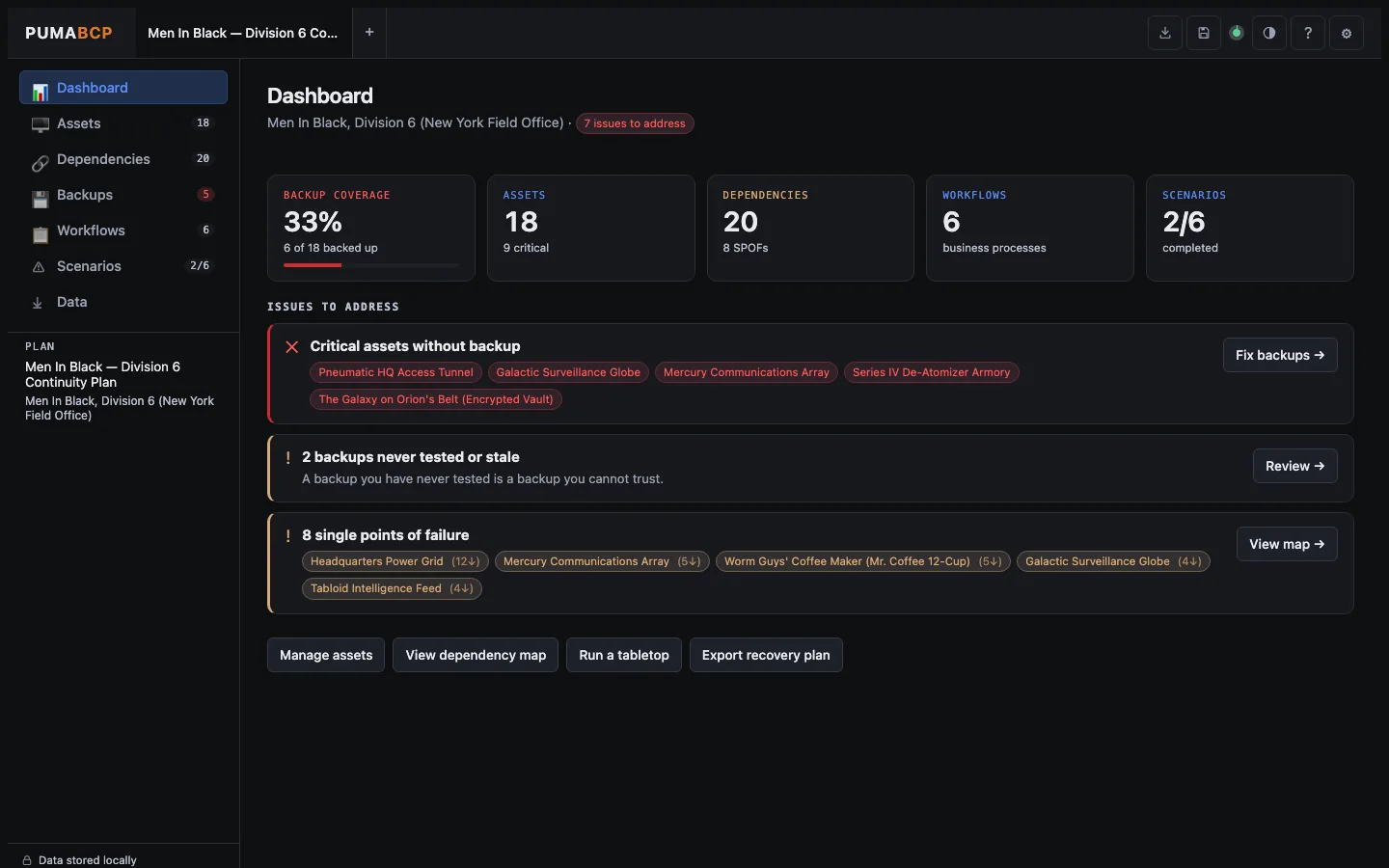
Inventory technology assets, map dependencies, document backup state, and walk tabletop exercises against ransomware, outages, and vendor failures.

  • Interactive dependency graph for cascading failures
  • Prebuilt tabletop scenarios or build your own
  • Simple backup/restore capability tracker
pumabcp.greykit.com
PumaBCP screenshot

06 Practice 418 KB

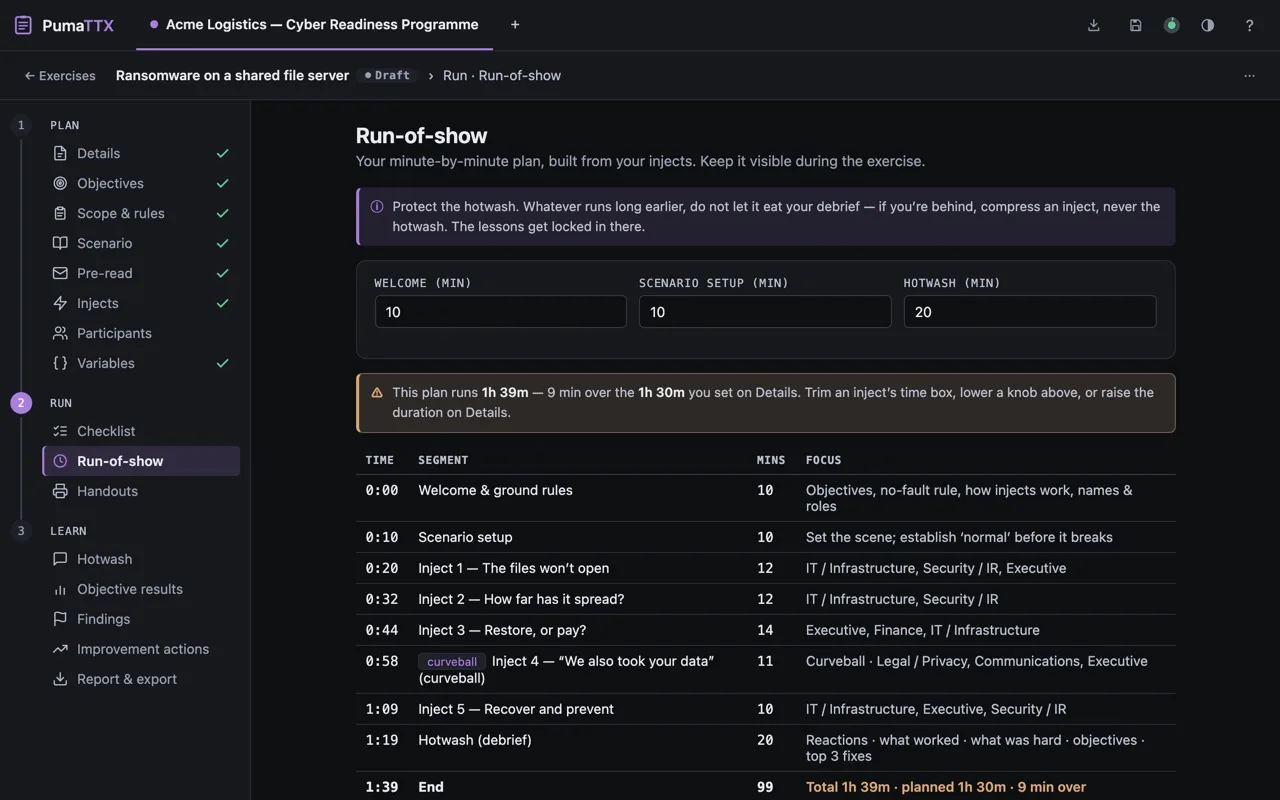
PumaTTX

Tabletop exercise in a box

Create and run old-school, paper-based IR tabletops in-house. If you played TSR-era D&D, you can run a world-class tabletop. It is in your blood.

  • Prepare — Collect stakeholder data, goals, and guardrails
  • Build — Generate a paper-based TTX including comms, artifacts, injects, and surveys
  • Learn — Collect feedback, build an AAR, and present results
pumattx.greykit.com
PumaTTX screenshot

07 Hunt 428 KB

PumaHunter

Build and track threat hunting efforts

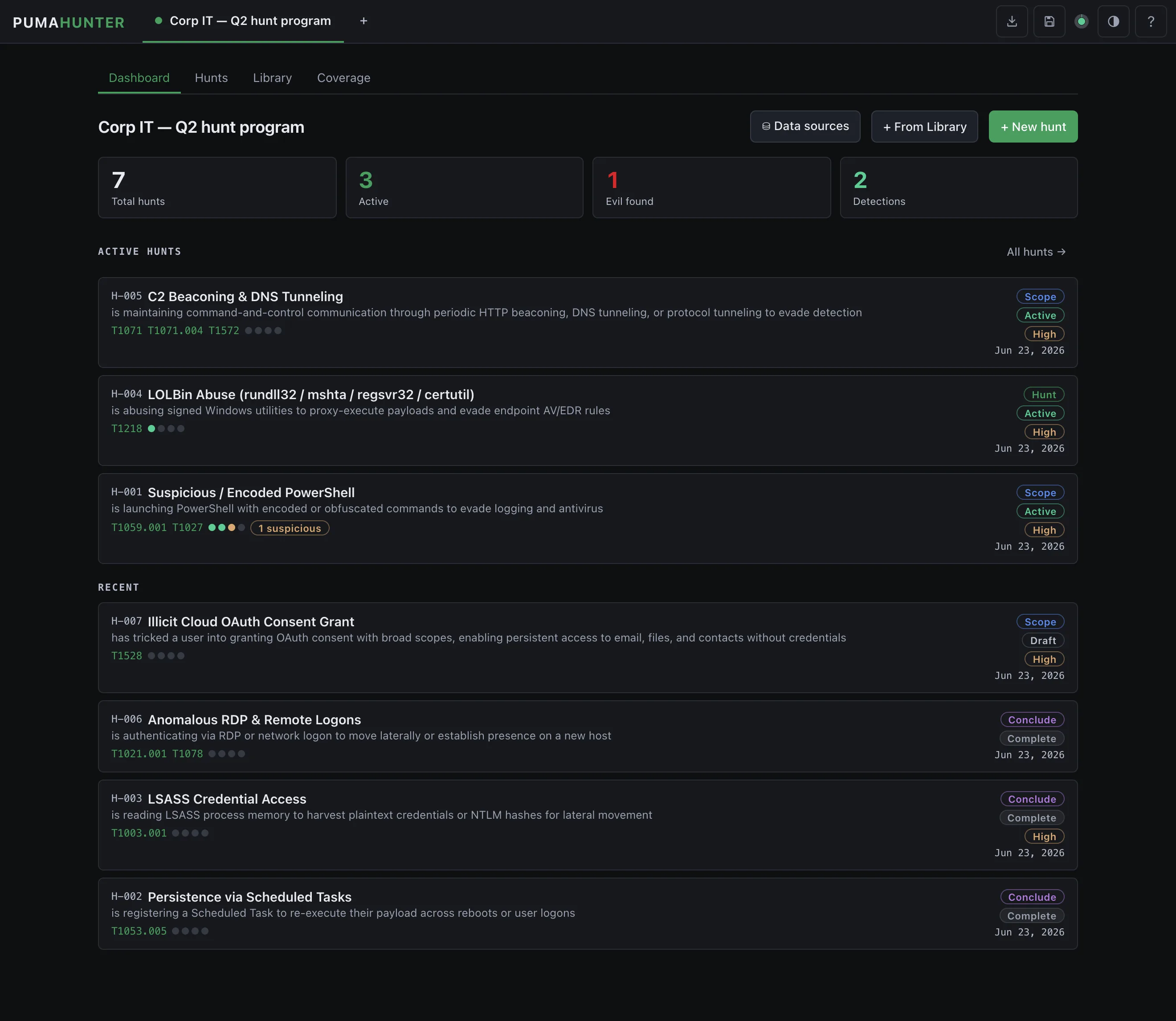
Find threats you didn’t know you already knew about with detection-based threat hunting. Build and run hunts from the library or create your own, including custom datasources.

  • Library of generic pre-made hunts suitable for learning
  • Coverage readout shows you what you’ve tested and when
  • Add custom data sources, queries, and hunt packages
pumahunter.greykit.com
PumaHunter screenshot

Offline Productivity Suite

PumaWorx

A suite of portable productivity apps that run offline in your local browser for minimal footprint and zero external connections or dependencies. Task tracking, kanban, notes, maps, flows, and more.

Explore the suite
Installation

Three ways to use any PumaWorx app.

Pick whichever fits how you work. They're all equally official and they all do the same thing.

OPTION 01 · LIGHTEST

Load from the live URL

Visit pumagrc2.greykit.com (or any other). The app loads. You're done. Browser caches the file — works offline after the first visit.

OPTION 02 · PORTABLE

Save the HTML file

Right-click → Save Page As. You now have a portable, offline-forever copy. Open it from a USB stick, a sandboxed VM, an air-gapped laptop.

OPTION 03 · POLISHED

Install as a PWA

Desktop or phone app with auto-updates, no app store required. Chrome / Edge: Chromium: Save and Share → Install. Safari iOS: Share → Add to Home.

Requirements
Required to run
Modern browser with JavaScriptAny current Chrome, Firefox, Safari or Edge
Optional · enhances
Browser localStorageRemembers your work between visits
Browser indexedDBLarge or binary data (e.g. case evidence)
Save to diskOne-file backup & restore
ClipboardCopy / paste shortcuts
Never needed · never requested
Network connection
Backend or cloud server
Account or sign-in
Cookies
Telemetry or analytics
Third-party scripts / CDNs
Browser extensions
Software install
Admin / elevated rights
Running executables
Open Source

As open source as it gets

The single-page HTML IS the source. There's nothing to build, include, or compile — each app is 100% human readable with inline documentation.