Offline · Single-HTML

Productivity tools, simple by design and safe by default.

PumaWorx was built to provide a consistent freelance productivity experience without the risks of cross contamination, data exfiltration, or contributing to Shadow-IT. These tools are designed for a frictionless start when you need them and will work from wherever you put them.

Principles

Built different than what you're used to.

Three rules every app in the suite follows. They're not optional — they're the reason PumaWorx exists.

01

Single file for portability

Each app is one HTML file. Drop it on a USB stick, install it as a PWA, save it to your downloads folder, archive it on a NAS. Wherever a browser runs, the app runs.

02

Offline for security

No outbound traffic means no exfiltration risk, no third-party SaaS to vet, no remote dependencies to compromise. The browser and the file are the entire trust boundary.

03

Made just for me

PumaWorx is a personal passion project that helps me do what I want to do, how I want to do it, forever. Never again will the product I depend on get bought and ruined by some private capital or hijacked by internet drama.

The Suite

Simple is smooth. Smooth is fast.

Every app handles your data in structured plaintext formats, exports to the most common filetypes, and is built to copy/paste straight into emails, documents, and prompts with minimal friction in under 1000 KB.

01 Capture 714 KB

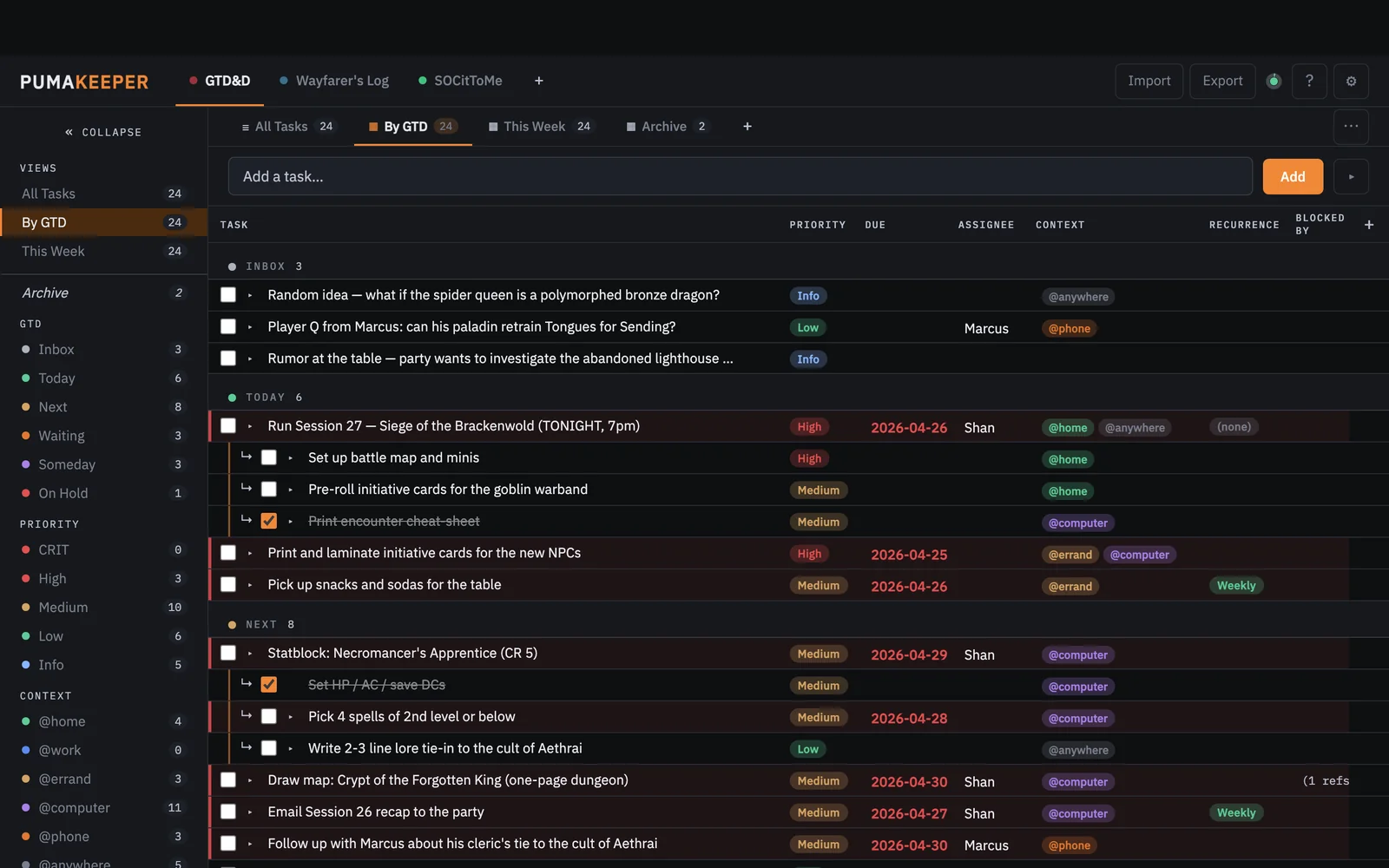
PumaTracker2

Schema-defined relational task manager

A schema-defined relational task manager with user-definable workspaces, columns, and views. Built for GTD, it doubles as an issue tracker, reference set, or an epic to-do list.

  • User-definable columns, multiple definable views
  • Scheduled, Due, and Recurring tasks and Subtasks
  • Exports to JSON, CSV, RTF, or PDF
pumatracker.greykit.com
PumaTracker screenshot

02 Visualize 418 KB

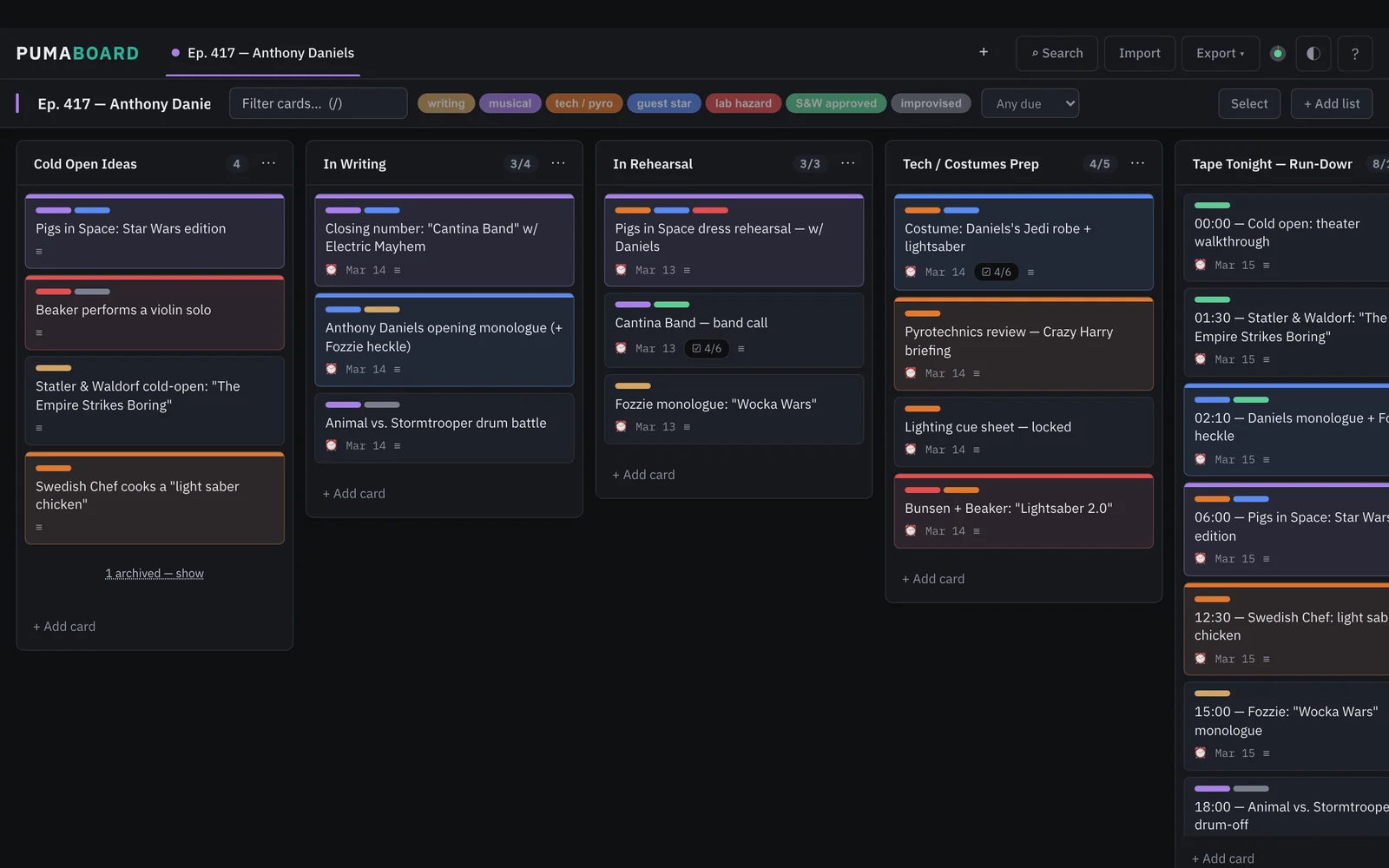
PumaBoard

Drag-and-drop kanban

A drag-and-drop kanban board for visualizing work in motion. Cards carry markdown descriptions, labels, due dates, and checklists.

  • Drag-and-drop columns, cards, and checklists
  • Keyboard navigation for fast capture and editing
  • Two-way roundtrip with PumaTracker
pumaboard.greykit.com
PumaBoard screenshot

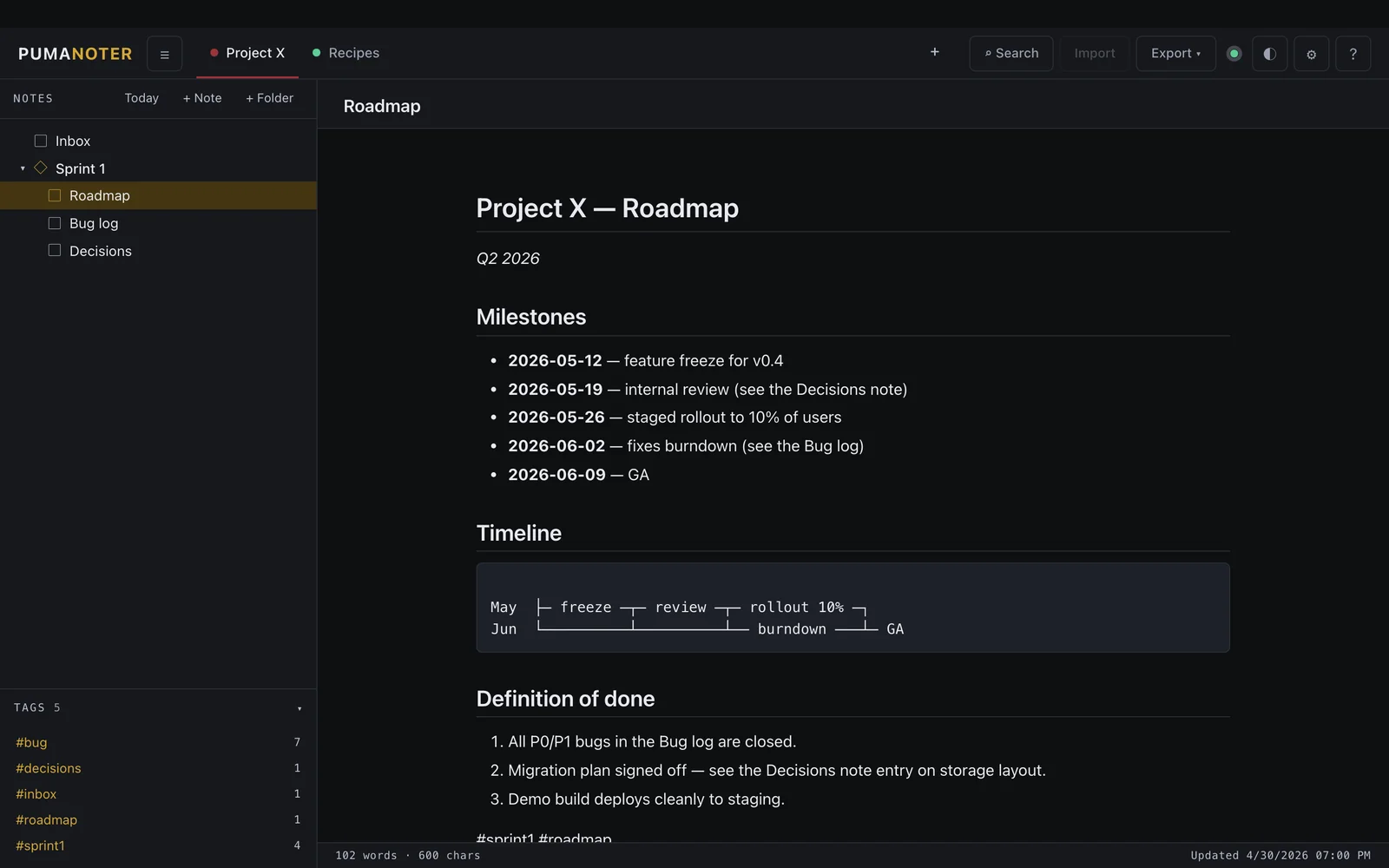
03 Write 355 KB

PumaNoter

Hybrid markdown notetaker

A WYSIWYG markdown editor that styles text inline as you write. The source stays portable markdown, so the file works in any other editor.

  • Hybrid rendering: edit and preview in a single view
  • Exports to Markdown, HTML, or PDF
  • Embeds SVG and PNG snapshots from PumaFlow and PumaMapper
pumanoter.greykit.com
PumaNoter screenshot

04 Brainstorm 306 KB

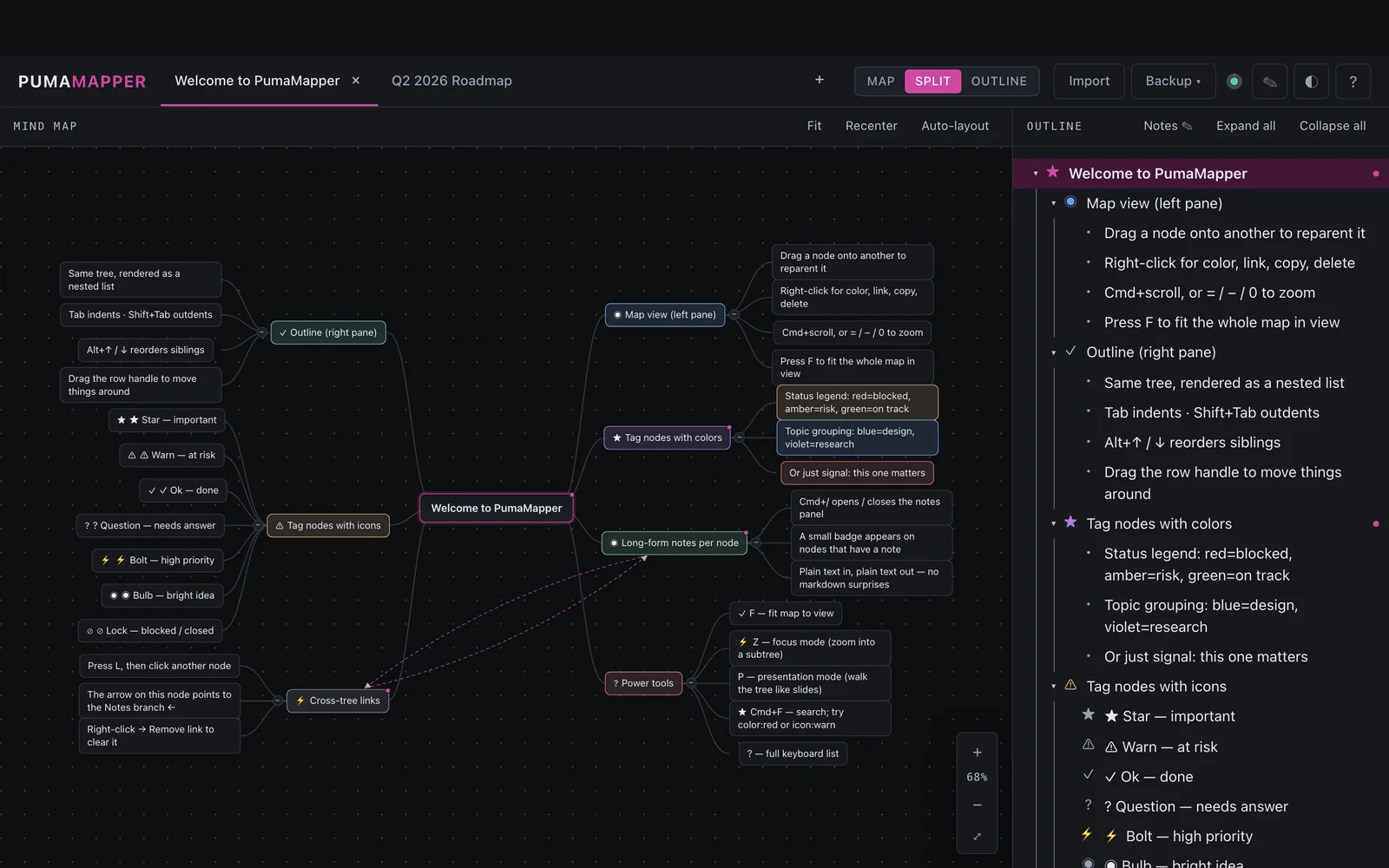
PumaMapper

Mind mapper & outliner

A mind mapper and outliner sharing the same data tree. Capture unstructured ideas on a free-form canvas, then collapse them into a structured outline.

  • Visual canvas and outline view of the same tree
  • Exports as SVG, PNG, or Markdown outline
  • Hands off cleanly to PumaNoter or PumaFlow
pumamapper.greykit.com
PumaMapper screenshot

05 Diagram 380 KB

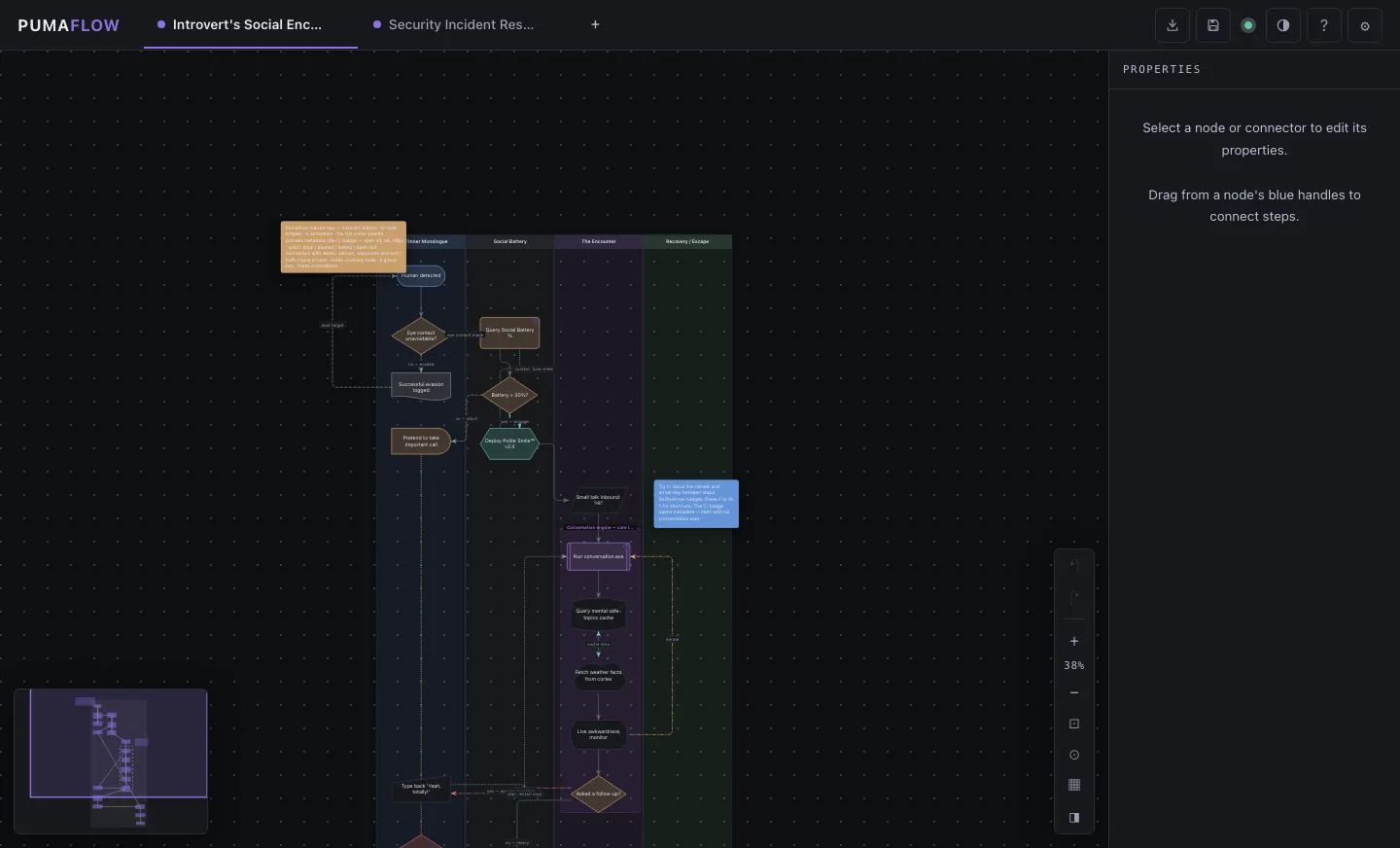
PumaFlow

Process flow designer

A flowcharting app for process documentation. Build diagrams for onboarding paths, approval chains, decision trees, and runbook flows.

  • Drag, connect, and label process nodes
  • Exports to PNG, SVG, Mermaid, or Markdown
  • Snapshots embed directly into PumaNoter
pumaflow.greykit.com
PumaFlow screenshot

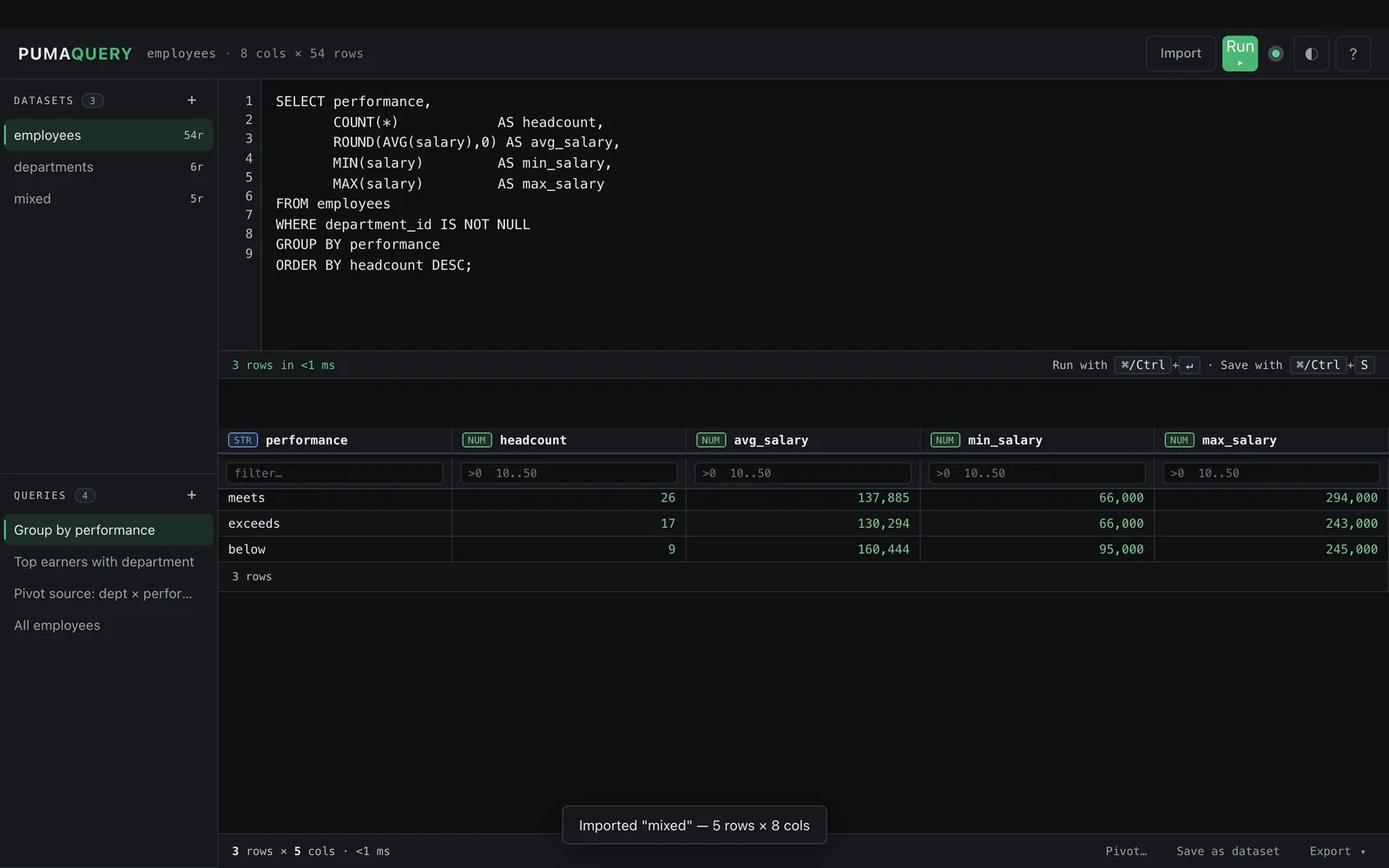
06 Query 348 KB

PumaQuery

SQL parser for JSON & CSV

A browser-based SQL engine for local JSON and CSV files. Run standard SQL queries against tabular data without setting up a database.

  • Standard SQL over local JSON and CSV files
  • Results downloadable as JSON or CSV
  • Inspect any export from the rest of the suite
pumaquery.greykit.com
PumaQuery screenshot

07 Calculate 408 KB

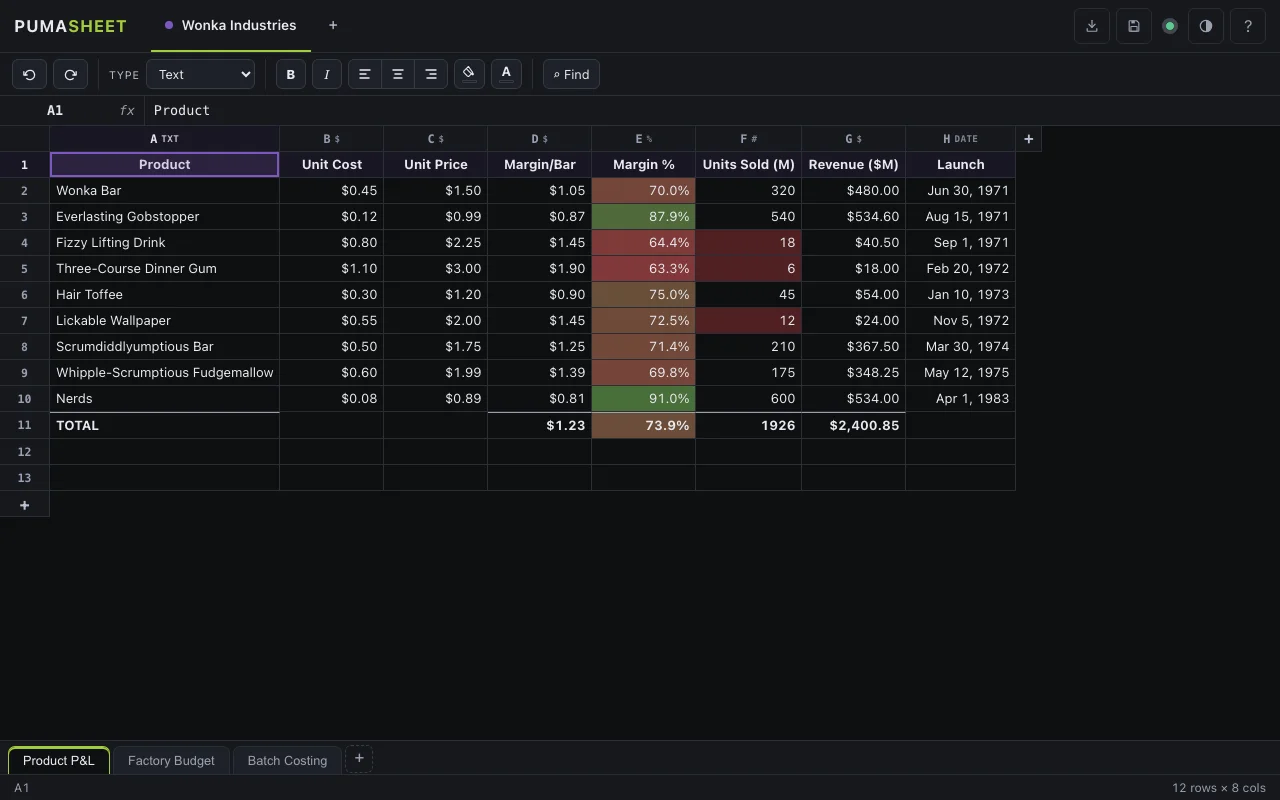
PumaSheet

Typed offline spreadsheet

A zero-dependency spreadsheet with typed columns, formula support, conditional formatting, and multi-sheet workbooks. CSV and JSON in and out.

  • Typed columns: Number, Money, Percent, Date, Boolean, Text — per-cell overrides
  • Formula engine with ~60 functions: math, logic, VLOOKUP, text, dates
  • Conditional formatting, sort & filter, freeze panes, and undo/redo
pumasheet.greykit.com
PumaSheet screenshot

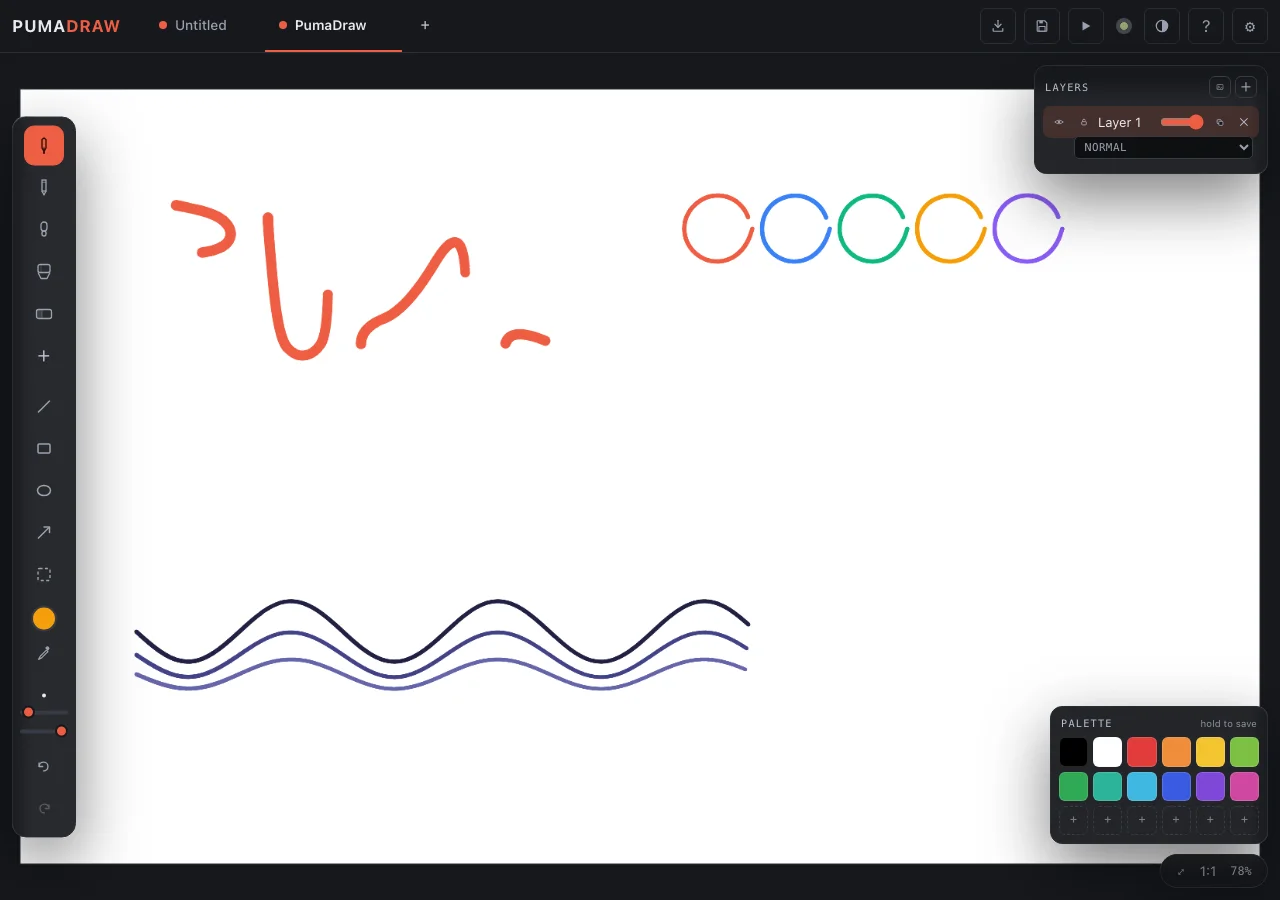
08 Draw 340 KB

PumaDraw

Low-friction Sketch and Markup

Lightweight, pressure-sensitive drawing app made for making up images and quick sketches.

  • Pressure & Tilt-aware brushes: pen, pencil, marker, highlighter, eraser
  • Multi-layer canvas with per-layer opacity and blend
  • Copy-in/Copy-out design for quickly marking up snapshot for documentation.
pumadraw.greykit.com
PumaDraw screenshot

Offline Security Suite

PumaWorx.Security

The quick and dirty oldschool security suite that runs offline in your local browser.

Open the suite
Installation

Three ways to use any PumaWorx app.

Pick whichever fits how you work. They're all equally official and they all do the same thing.

OPTION 01 · LIGHTEST

Load from the live URL

Visit pumatracker.greykit.com (or any other). The app loads. You're done. Browser caches the file — works offline after the first visit.

OPTION 02 · PORTABLE

Save the HTML file

Right-click → Save Page As. You now have a portable, offline-forever copy. Open it from a USB stick, a sandboxed VM, an air-gapped laptop.

OPTION 03 · POLISHED

Install as a PWA

Desktop or phone app with auto-updates, no app store required. Chrome / Edge: Chromium: Save and Share → Install. Safari iOS: Share → Add to Home.

Requirements
Required to run
Modern browser with JavaScriptAny current Chrome, Firefox, Safari or Edge
Optional · enhances
Browser localStorageRemembers your work between visits
Browser indexedDBLarge or binary data (e.g. case evidence)
Save to diskOne-file backup & restore
ClipboardCopy / paste shortcuts
Never needed · never requested
Network connection
Backend or cloud server
Account or sign-in
Cookies
Telemetry or analytics
Third-party scripts / CDNs
Browser extensions
Software install
Admin / elevated rights
Running executables
Open Source

As open source as it gets

The single-page HTML IS the source. There's nothing to build, include, or compile and each app is 100% human readable with inline documentation.